
How to Build an SEO-Friendly Website on Squarespace
Reading Time: ~3 Mins | Written By: Juliana Bermudez

When building and launching a website, you may be considering what pages you need to create, what copy you need to include, and what it should visually look like. While these are all important things to plan for, one crucial consideration when building that you shouldn't forget is SEO (or Search Engine Optimization) - the process of improving your site's ranking in search engines like Google or Bing so your potential customers can find you faster and easier. Wondering how SEO helps drive traffic to your website? Learn more about SEO best practices.
The great thing about creating your website with Squarespace’s platform is that SEO optimization is baked right into your site for you. And while there are steps to follow (outlined below) to take it further, Squarespace has implemented much of the technical side for you, so there's no need to add fancy plugins or custom code.
What’s automatically added by Squarespace?
Automatically generated sitemaps
Clean URLs
Automatic redirects for multiple domains
Structured data
Automatic tagging
Google rich image search for products
Built-in mobile optimization
Clean HTML markup
SEO report tool
Learn more about what's included in a Squarespace website.
What should I be doing on my own to make my site more SEO friendly?
While Squarespace sites are built for clean indexing, the content you add to your site and how it's presented still plays a big role in how your website is indexed by search engines. Follow the list below to ensure your site is optimized and ready for launch:
Double-check that your site information is filled out:
a. Add a site title under 60 characters that ideally includes one or more keywords; this text might be indexed by search engines.
b. Add a short site description (50-300 characters, ideally 120–155) to your SEO site description.
c. Ensure each page on your site has a unique SEO description, describing the content on the page in 50-300 characters (ideally 120–155).
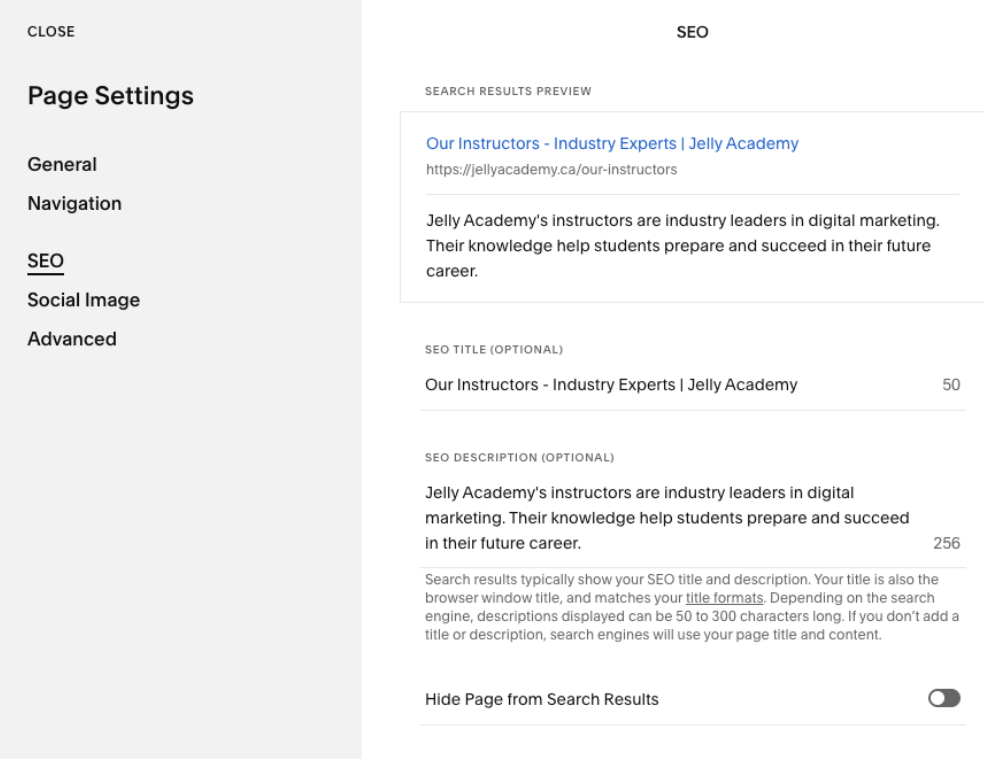
d. Use the new SEO report tool to scan your site and double-check if there are areas where alt text or SEO page descriptions are missing. This tool will also offer you suggestions for edits.
- When designing your site:
a. Add a browser favicon. It may appear in search results, browser tabs and in other locations.
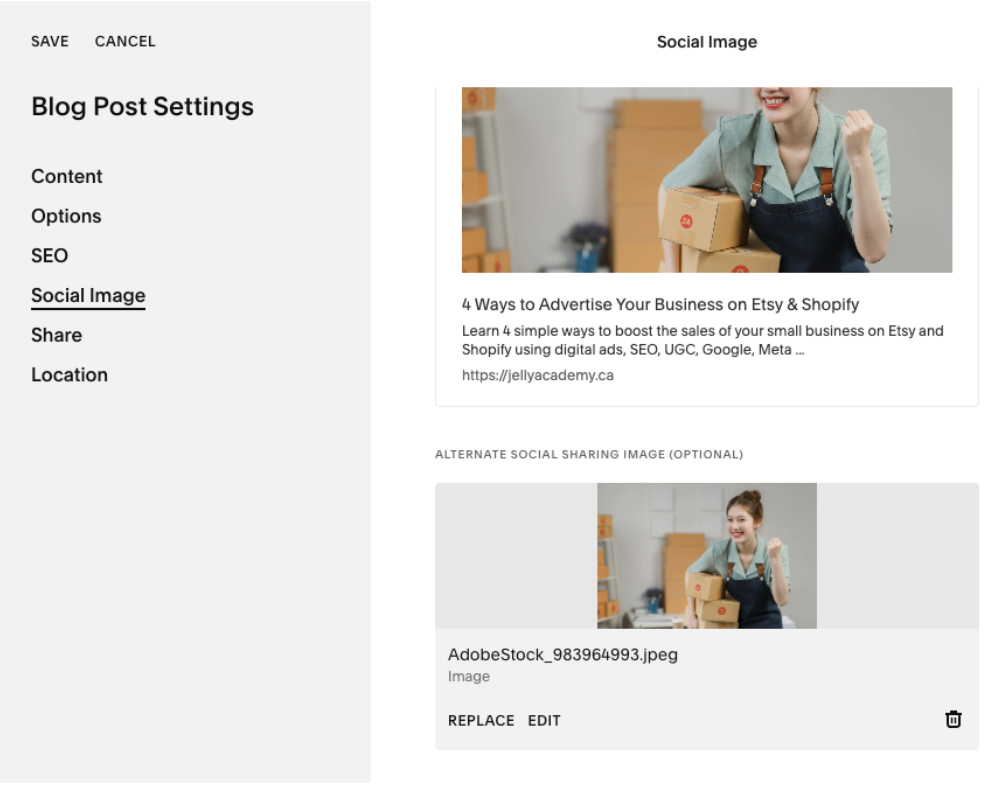
b. Add social sharing images to your pages, products and blog posts. This will be displayed on social media when someone shares your site's links.
c. Create a custom 404 page that links to other areas of your site, so when visitors encounter a broken link, they can stay on your site.
d. Review content on all pages of your site to ensure it is polished and ready for the world to see!
- Set up your custom Domain and URLs:
a. Connect your custom domain to strengthen your brand and make it easier for customers to search and find your website.
b. Connect your social media platforms and set up social sharing to push out your site content as you publish it.
c. Set your SSL panel to the ‘Secure’ setting.
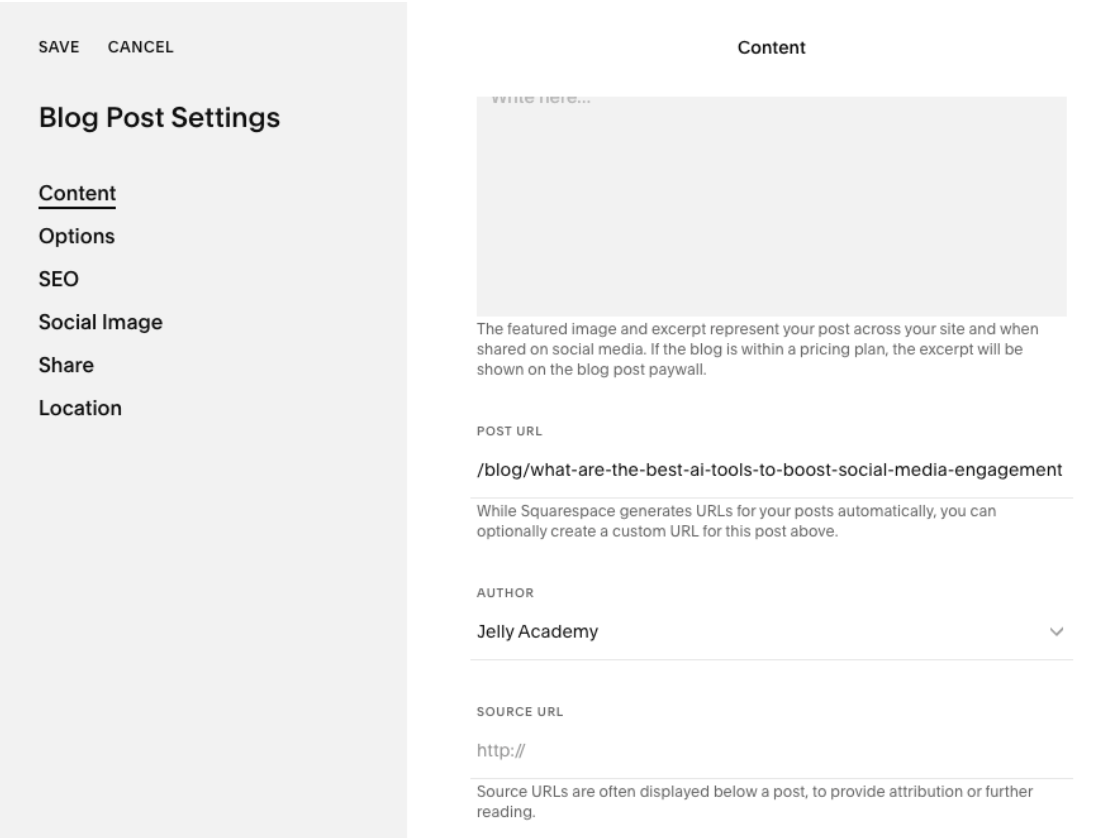
d. Check the URL slugs on each of your site's pages, products and blog posts to make sure they include real words and not a string of numbers and letters.
- Add your business location info:
Your site has a better chance of appearing in searches in your area if Google, and your customers, can confirm your physical location (if you have one).
a. Make sure your contact page has your address and a map.
b. Create a Google Business Profile if you haven't already.
Want to learn more? Check out the SEO checklist created by Squarespace!
If you’re curious about your current website's ranking, check out our blog post, which highlights the 7 best SEO tools for auditing and monitoring your rankings.