
The Secret to Video App Edits: TikTok, Instagram, and Ads
Reading Time: ~4 Mins | Written By: Natalie Patterson
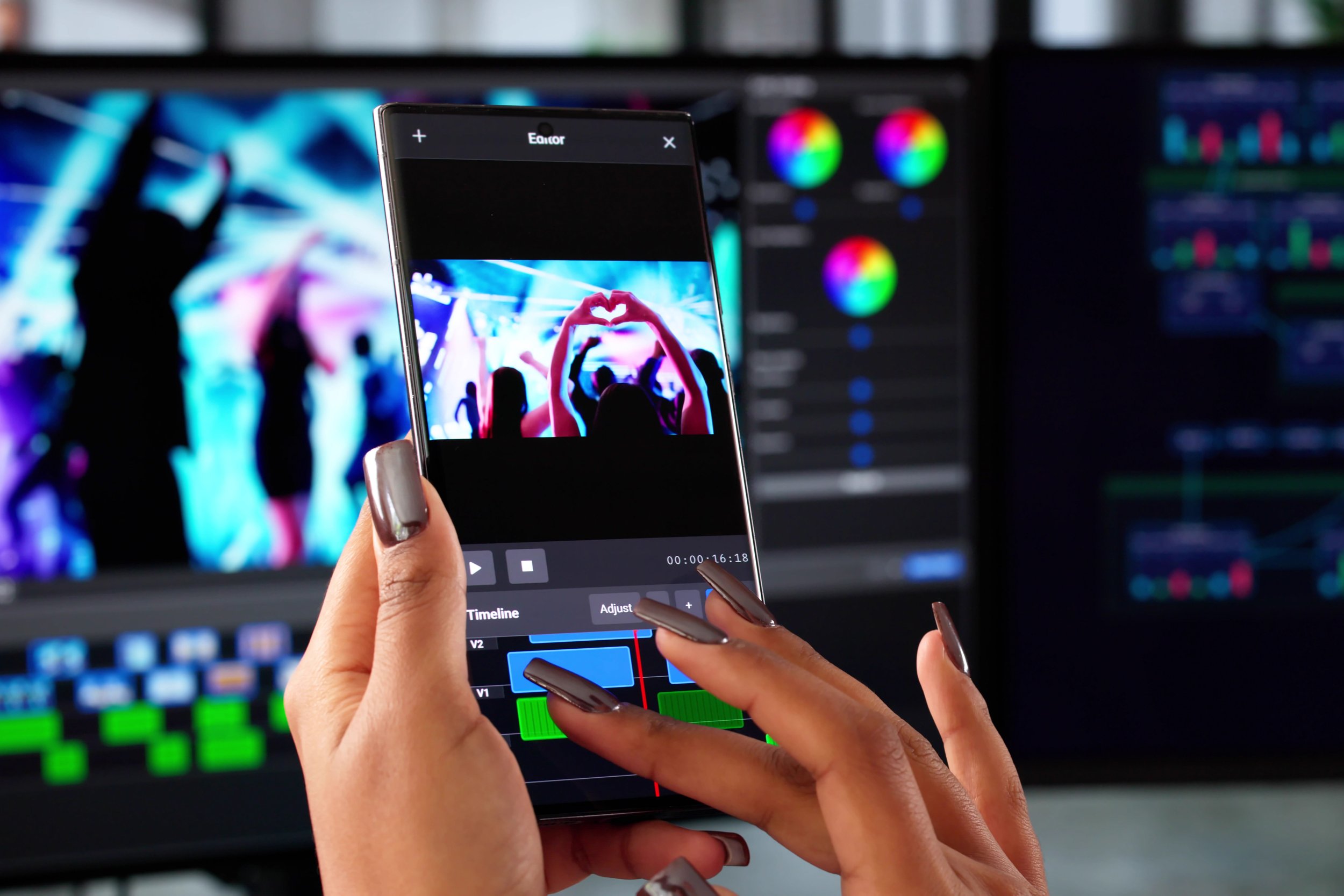
Short-form media isn’t just a part of our lives; it’s the air we breathe. From the endless scroll of social feeds to targeted ads and curated search results, the digital noise can feel overwhelming. In an era of total saturation, the golden question remains: What’s the “secret” to cut through the crowd and get noticed?
The “secret” isn’t a ‘magic button’ or a viral fluke. It’s a specific formula, and understanding how to navigate the short attention spans of today’s consumers. It sounds intimidating, but once you break it down, it’s easier than you think!
Mastering the Edit
You’ve got a great idea, now what? Luckily, you don’t need to be a pro to produce high-impact content. With mobile apps (see recommendations at the end), you can create professional-quality editing right from the palm of your hand!
1. The Hook: Your 2 Second “Money Shot”
Your first clip is the most critical part of your video. Most viewers decide to stay or scroll within two seconds. If you don’t capture their attention immediately, the rest of your work stays invisible. Here are four helpful tips to get started:
The “Final Result” Tease: Start with the ‘destination’. Show the final plated meal, or the finished project, first to give viewers a reason to stick around for the journey.
The Interruption: Break the scroll with motion. Avoid static shots; instead, start with someone walking into the frame, a camera pan, or a clip mid-action.
Curiosity & Bold Statements: Start with a question like “are you making this common mistake?” or a bold statement like “this might ruffle some feathers but…” This peaks viewers' engagement, by adding a quick high value to your reel, plus the no “fluff” attitude can help build the consumers' trust with your brand.
The ‘WOW’ Moment: Use your most visually stunning, satisfying, or shocking clip first. High colour contrast and cinematic qualities are scroll-stoppers.
Example of a satisfying first clip.
Example of a visually stunning clip (nice angle and perspective)
2. Edit With ‘Micro-Cuts’
Today’s algorithm rewards watch time and completion rate, so to appease a modern attention span and to boost completion rates, your pace must be tight.
Keep It Moving: Never let a shot sit still for more than two seconds. If you’re speaking to the camera directly, use B-roll or jump cuts to create visual variety.
Cut the “Dead Air”: Don’t be scared to be aggressive with your trims. Cut out every breath, “um” or long pause to keep the energy high.
Here is an example of both in the same video: https://www.instagram.com/p/DTgqK1uj49X/
3. Sync to the “Drop”
Syncing your transitions to the beat of your music is a powerful psychological trick. When a scene change hits exactly on the ‘drop’, it creates a sense of satisfaction that subconsciously encourages the viewer to keep watching.
4. Improvements for Silent Viewing
Between loud public spaces and apps that default to mute, social media is quickly becoming a ‘sound off’ environment. Your message has to be readable to be heard. If your video relies on heavy dialogue, captions are essential!
*Pro Tip: Use the built-in “CC” or “Captions” buttons on Instagram or TikTok to make your content accessible and searchable. It does all the work for you!
A great example that if you didn’t have the closed captions, watching on mute would be completely ineffective.
5. Find the ‘Sweet Spot’ Length
While social media platforms allow for much longeruploads, under 60 seconds remains the golden window for best reach and completion rates. Try to save one minute plus edits for educational tutorials and deep-dive storytelling.
Great example of being very informative but also keeping your reel under 60 seconds (showing the highlights).
Picking the Right App for You
There are hundreds of platforms out there to help you edit your content, so it can be overwhelming to pick the right one. Here are three great recommendations to get you started:
1. Editing In-App: Instagram and TikTok have great features to film, edit, and pick trending audio all in one place. Instagram is even known to reward those who use this feature by giving you a temporary boost in reach by placing you into the algorithm more. It's very convenient, but it can also be tricky when you want to post on multiple platforms. For example, saving an edited video from TikTok will keep a TikTok watermark on your exported video.
This is an excellent entry-level option for basic short-form video editing (around 60 seconds or less), particularly if you plan to share directly to social media. However, be cautious when editing, especially within Instagram, as the app is known for glitches that can result in losing your drafts or progress mid-edit.
2. CapCut: This is another terrific, user-friendly powerhouse app designed for beginners. If you don’t know how to time clips to music or create more complex transitions, you can upload your footage into a trending template, and it will do 90% of the work for you. This app also includes a massive asset library pre-loaded with viral TikTok sounds and royalty-free music.
This is a great option for those looking to post ‘trendy’ short videos to social media, specifically if you are targeting TikTok. If you are short on time and haven’t mastered more complex editing, CapCut can be a great ‘quick-fix”.
3. InShot: If you’re looking for an all-in-one tool that doesn’t have a steep learning curve, InShot is a fantastic choice. It’s designed to be very user-friendly for beginners, making it easy to produce high-quality videos for every social platform. One of its best features is the ability to quickly adjust your edits to cater to each individual app.
While editing outside of Instagram’s tools might miss out on a small algorithm boost in the beginning, the trade-off is worth it. For those looking to scale their content and maintain a consistent long-term brand identity across all platforms, using an external app is very valuable.